A system architecture document template states the shape of a solution: the architecture pattern and why it fits the constraints, the containers and what each one owns, the technology stack, and the deployment, scaling, caching and observability strategies. It lets a team decide, before building, that the shape matches the quality goals it committed to. Specira compiles it from the discovery session and generates the C4 (context, containers, components, code) diagrams from a single versioned model, so the context view and the container view describe the same system.
A hand-written architecture document ages the moment it is saved. The context diagram was drawn in one tool, the container diagram in another, and the decision that removed a service lives in a chat thread. Six months on, nobody can say which diagram is current or why a modular monolith was chosen over microservices, because the rationale was restated three times and cited nowhere.
What sections does the system architecture document template contain?
The governed default template fixes the sections below. Prose sections are synthesized from discovery, the technology stack is a table from typed items, and the two diagram sections are generated from the named components and integrations.
| Section | Depth | How it is produced |
|---|---|---|
| Architecture Pattern | core | Prose synthesized from discovery |
| Component Overview | core | Prose synthesized from discovery |
| Technology Stack | core | Table from typed items · Layer, Technology, Version, Rationale |
| Deployment Summary | core | Prose synthesized from discovery |
| System Context Diagram | standard | Generated diagram |
| Component Interaction Diagrams | standard | Generated diagram |
| Scaling Strategy | standard | Prose synthesized from discovery |
| Caching Strategy | standard | Prose synthesized from discovery |
| Logging & Monitoring | standard | Prose synthesized from discovery |
| Architecture Decision Records | full | Table from resolved decisions · ID, Decision, Context, Rationale, Consequences |
| Failure Mode Analysis | full | Prose synthesized from discovery |
| Disaster Recovery Plan | full | Prose synthesized from discovery |
How does Specira build the architecture document?
The Solutions Architect agent owns this artefact. It compiles the document from the session's typed items and resolved decisions: constraints and non-functional requirements (NFRs) become ranked quality goals, named components become containers, named integrations become external systems. The sample shows the mechanism. The Solution Strategy section states the shape in one paragraph, links each shaping decision to its architecture decision record instead of restating the rationale, and declares a complexity tier with a chapter disposition table: each chapter that scales down names the trigger value that justified it. The System Context section is generated from one model workspace, so the container view in the next section can never drift from it, and every external system row names its owner, its posture and its integration contract. Building Blocks lists each container with its technology, its single responsibility and what it owns exclusively.
The Red Team Critic reviews every turn and runs the export readiness gate, which measures decisions resolved rather than pages written. A scaling or caching section whose decisions are still open renders as a named gap, never as invented best practice. Every row carries provenance: who decided, when, and on what evidence, and knowledge base entries such as architecture decisions and integration contracts are matched with a confidence score and cited. Export as DOCX for reviewers, Markdown or JSON for agents, or push to Jira, Confluence, GitHub or Linear. Clone and adjust the template in the Templates module; publications are versioned and immutable.
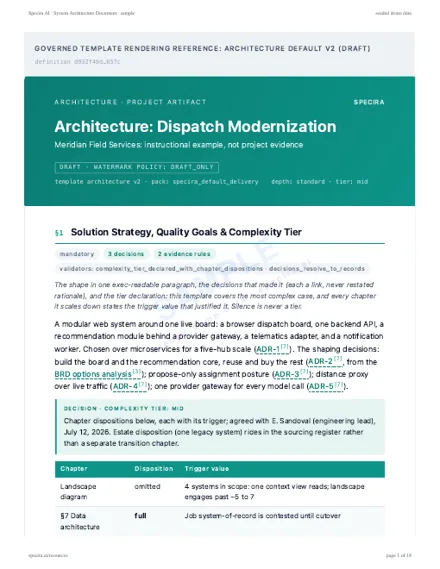
Rendered sample
Rendered from the Specira governed default template on a fictional company, watermarked, with its diagrams. Read it in the browser or take the PDF.
How do teams use the system architecture document?
- ✓Run the architecture reviewReviewers read the ranked quality goals and the tier declaration first, then check that each chapter's disposition matches its trigger.
- ✓Onboard engineers to the systemA new developer reads the container table and the runtime sequences and knows what owns what before touching the code.
- ✓Brief the security reviewThe Security Analyst's constraints appear as boundary decisions, so the threat model starts from the same context diagram.
- ✓Hold vendor and sourcing decisionsThe component sourcing rows carry exit costs and owners, so a buy-versus-build call can be revisited with its evidence intact.
What does the architecture artefact look like in Specira?
The screens below show the Solutions Architect leading a discovery turn, the generated context and container diagrams, and the export gate for this artefact.
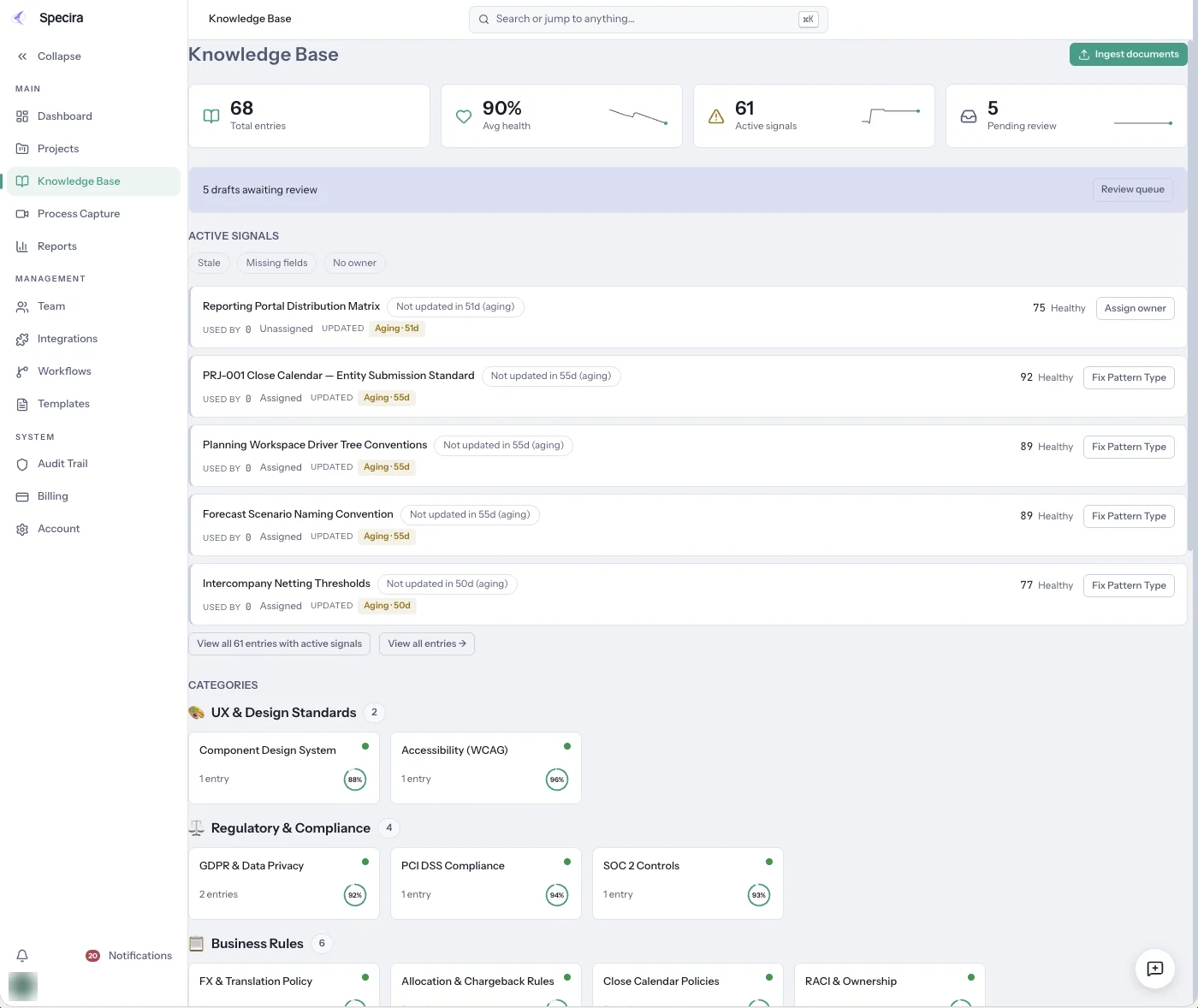
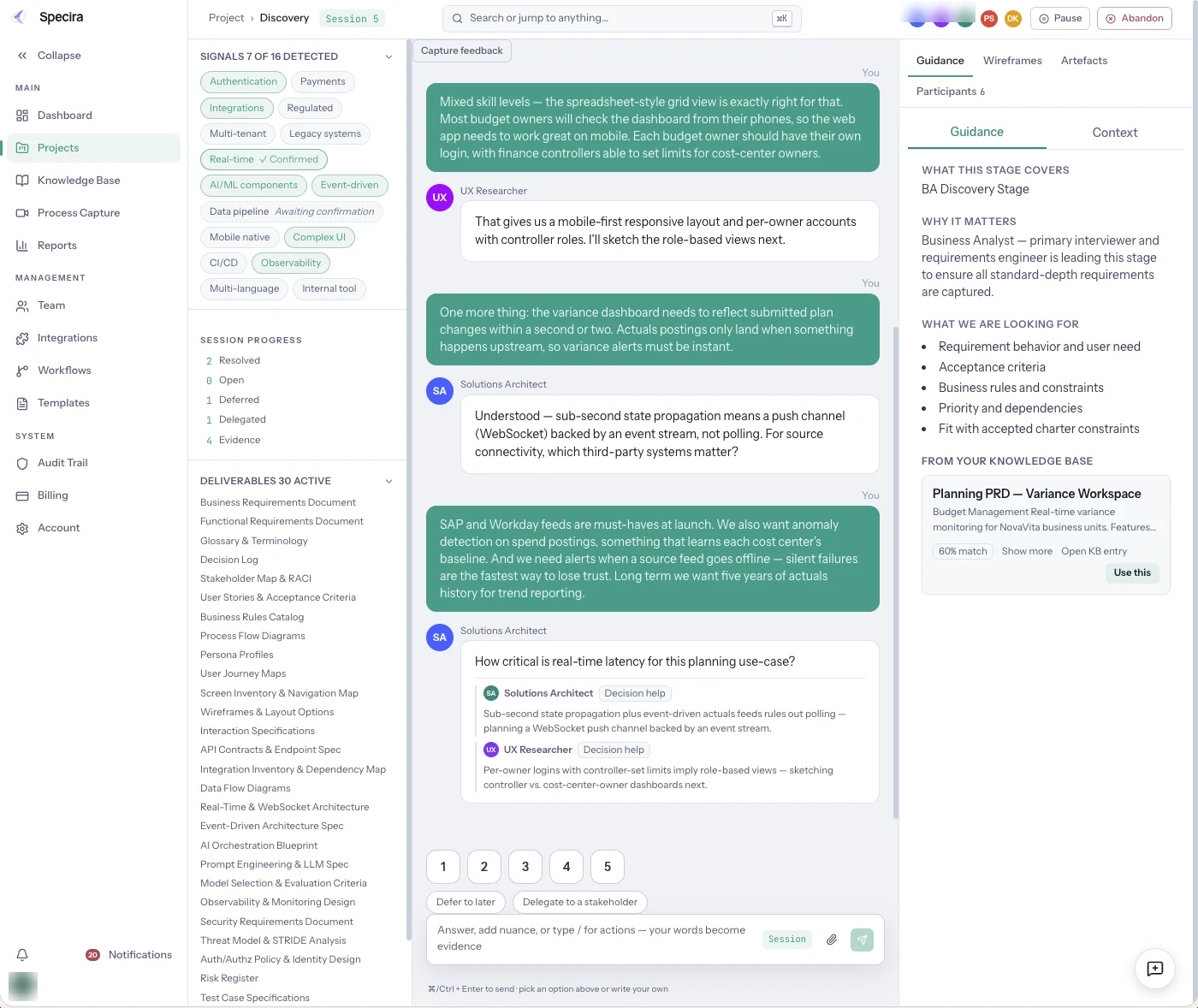
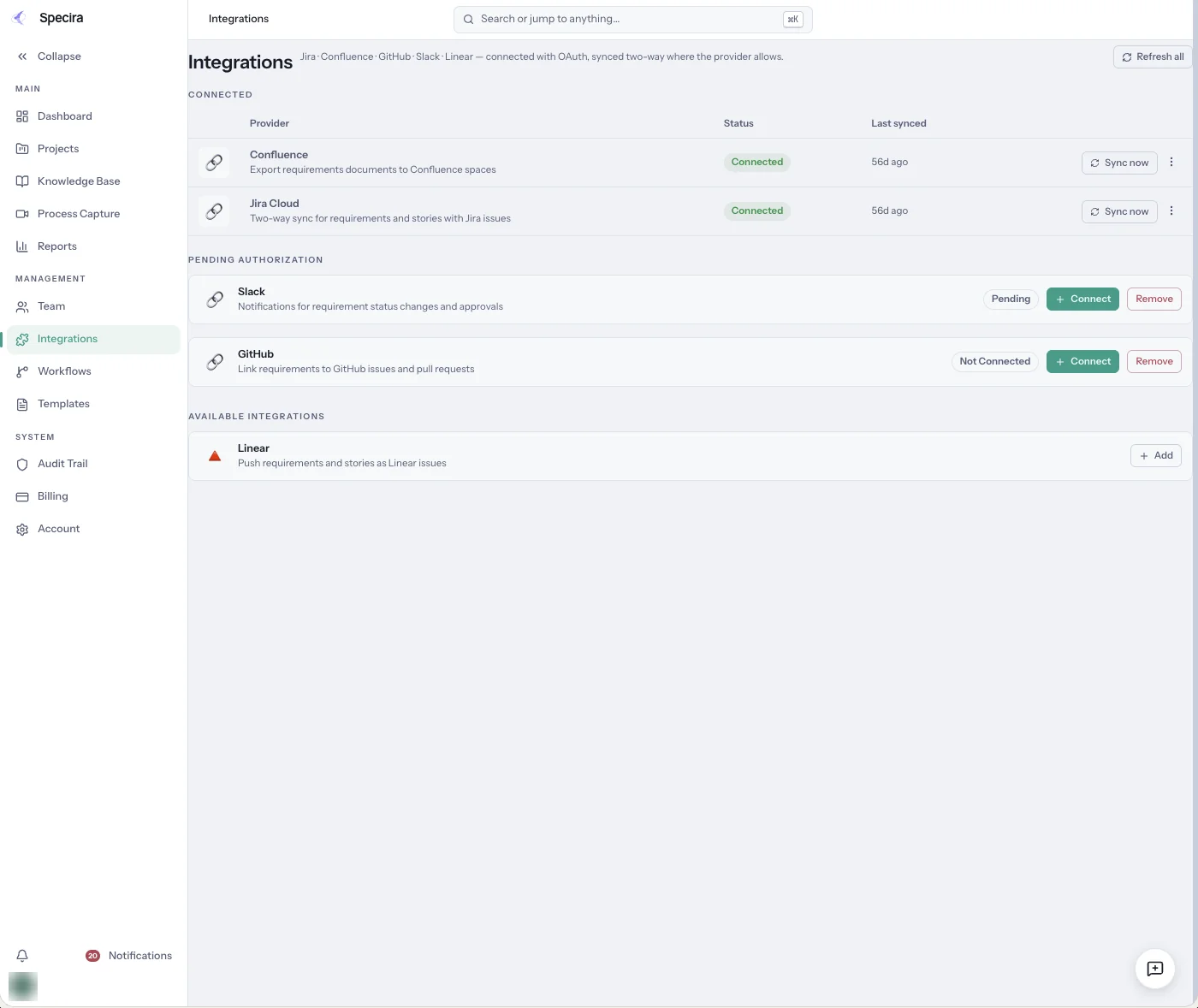
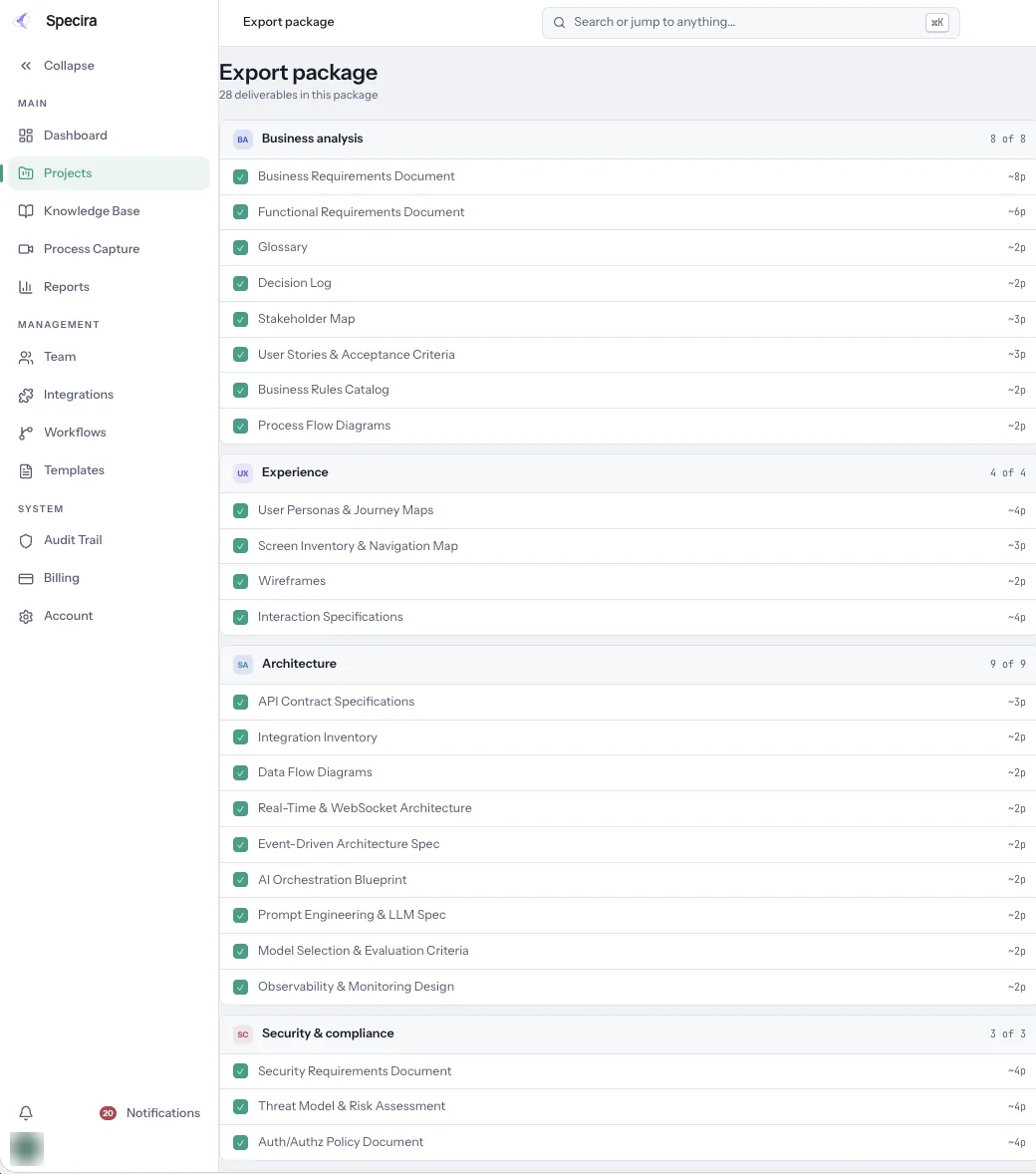
Screens are from a seeded Specira demo workspace; counts and scores are sample data.
Book a demo and watch a discovery session become a system architecture document with diagrams that stay in sync.
Book a Demo