An entity relationship diagram template documents the data model of a system: the entities, how they relate, the key strategy behind each one, and the full field specifications with type, nullability, default, index and sensitivity. It lets a team decide the shape of the data before the first migration runs, and lets a security reviewer see which fields hold personal data. Specira generates the entity relationship diagram (ERD) from the named entities and compiles the field tables from the session's typed items and resolved decisions.
A hand-drawn data model stops at the boxes. The diagram shows a Job and a Technician with a line between them, and the questions that matter live nowhere: is the key natural or surrogate, is a null reason code a blank or a meaning, which columns are personal data, and how long positions are kept. Those answers end up decided in a migration file at eleven at night.
What sections does the entity relationship diagram template contain?
The governed default template fixes eight sections. Six are tables built from typed items, one is a generated diagram, and the migration outline is prose synthesized from discovery.
| Section | Depth | How it is produced |
|---|---|---|
| Entity Inventory | core | Table from typed items · Entity, Description, Approx Row Count |
| Entity Relationships | core | Generated diagram |
| Key Fields | core | Table from typed items · Entity, Field, Type, Constraints |
| Full Field Specifications | standard | Table from typed items · Entity, Field, Type, Nullable, Default, Index |
| CRUD Matrix | standard | Table from typed items · Entity, Role, Create, Read, Update, Delete |
| Data Classification Labels | full | Table from typed items · Entity, Field, Classification, PII |
| Retention Rules | full | Table from typed items · Entity, Retention Period, Archive Strategy |
| Migration Scripts Outline | full | Prose synthesized from discovery |
How does Specira build the data model document?
The Solutions Architect agent owns this artefact. It compiles the document from the entities, business rules, constraints and decisions typed during discovery, with the Security Analyst's classification constraints feeding the sensitivity columns. The sample shows the mechanism. Entity Relationship Views generates one crow's-foot diagram per bounded context from versioned source and reconciles its inventory with the architecture document both ways, so a system-of-record decision is cited there and never re-decided here. Entities, Keys and Conventions states the audit, delete and tenancy conventions once, then gives each entity its primary key strategy and the reason for it, linking business meaning to the glossary. Field Specifications gives every field a type with precision, a stated nullability and default, a sensitivity that cites the governing classification, a source, and a description that adds meaning beyond the name. A blank cell is a gap, and the template flags it.
The Red Team Critic consults on every turn and runs the export readiness gate, measuring resolved decisions rather than pages. A retention rule whose decision is open renders as a named gap, never as a plausible default. Every row carries provenance: who decided, when, on what evidence, and glossary terms from the knowledge base are matched with a confidence score and cited. Export as DOCX for reviewers or as Markdown and JSON for agents, where the schema also travels as a consolidated DBML (database markup language) block. Push to Jira, Confluence, GitHub or Linear, or clone and adjust the template in the Templates module.
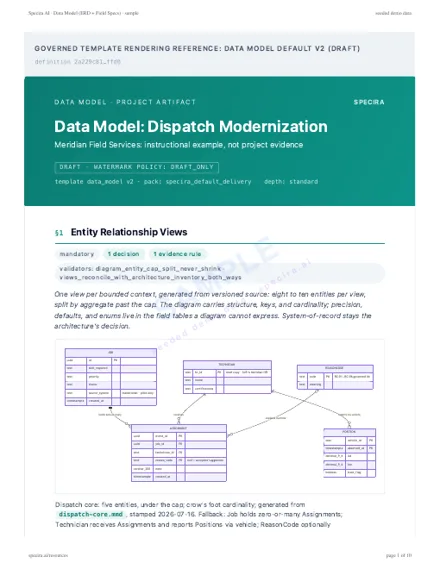
Rendered sample
Rendered from the Specira governed default template on a fictional company, watermarked, with its diagrams. Read it in the browser or take the PDF.
How do teams use the data model document?
- ✓Write the first migrationDevelopers take the field specifications and the migration outline and produce a schema that matches the decisions, not their memory of them.
- ✓Run the privacy reviewThe Security Analyst and the privacy officer read the classification labels and retention rules without opening a second document.
- ✓Settle the system-of-record questionThe entity inventory cites which system owns each entity, so read copies and transitional markers stay explicit.
- ✓Give agents the schema as dataDownstream tooling reads the JSON export and the DBML block instead of parsing a diagram image.
What does the data model artefact look like in Specira?
The screens below show the entities being typed in a discovery session, the generated entity relationship diagram, and the export gate for this artefact.
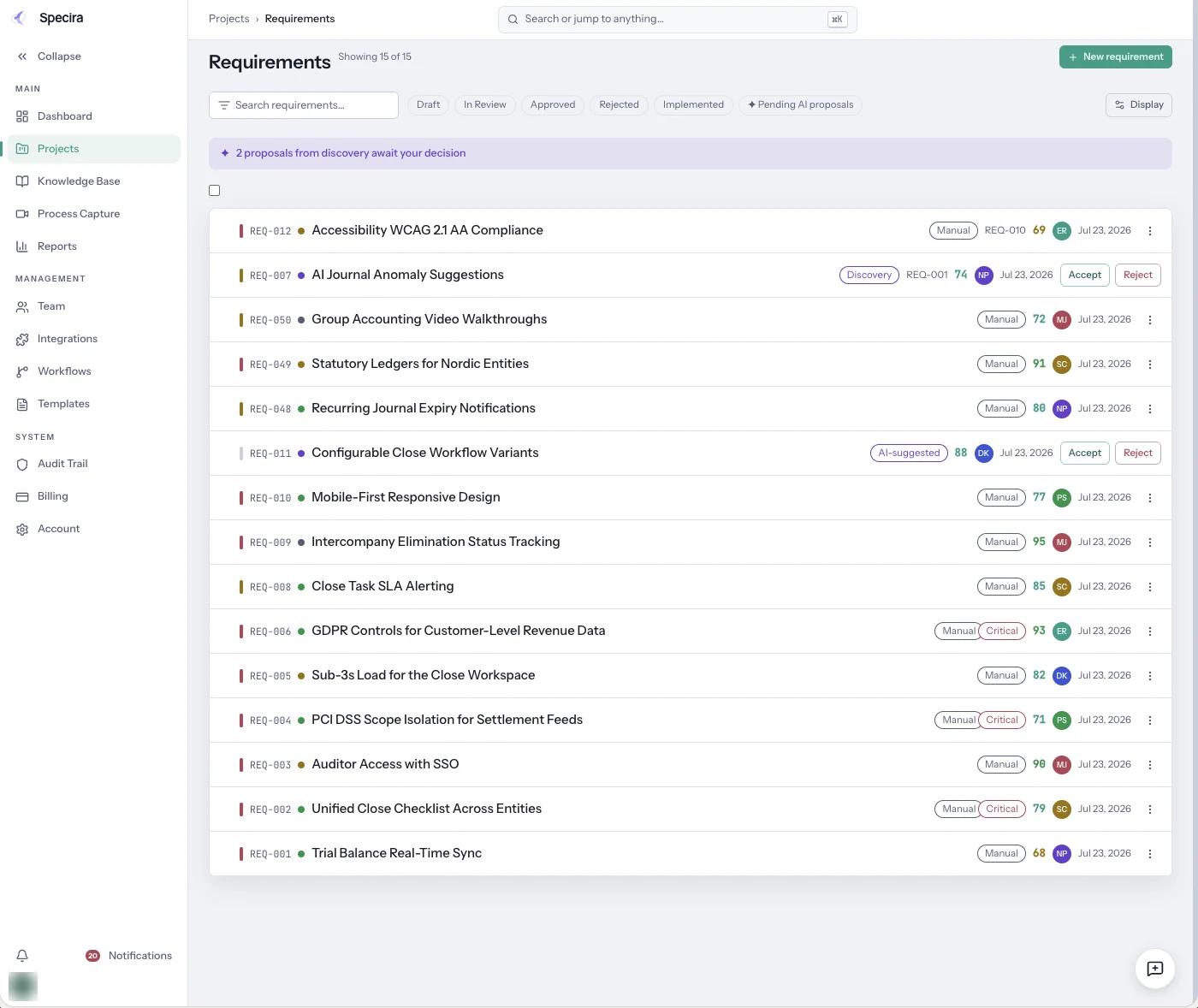
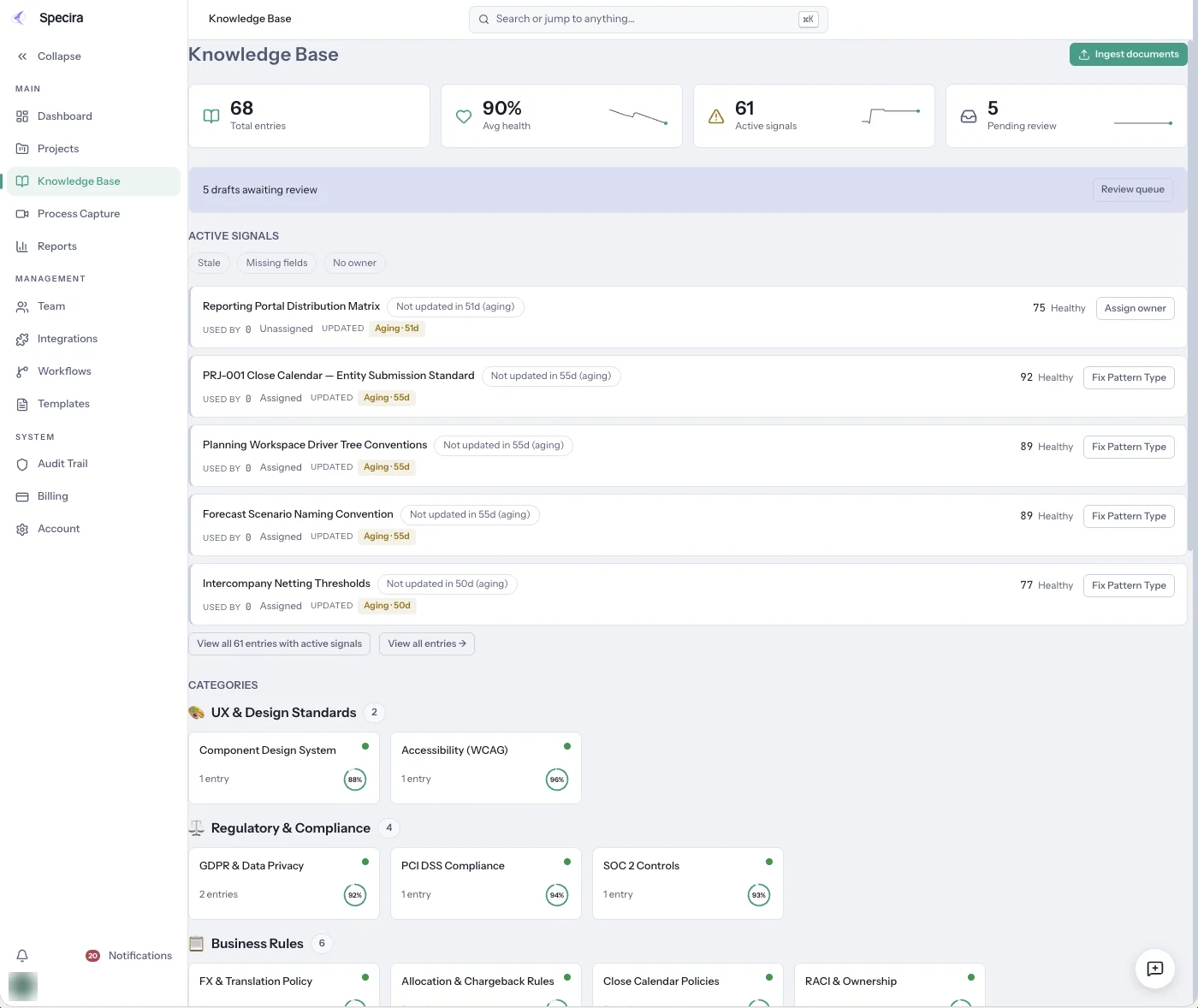
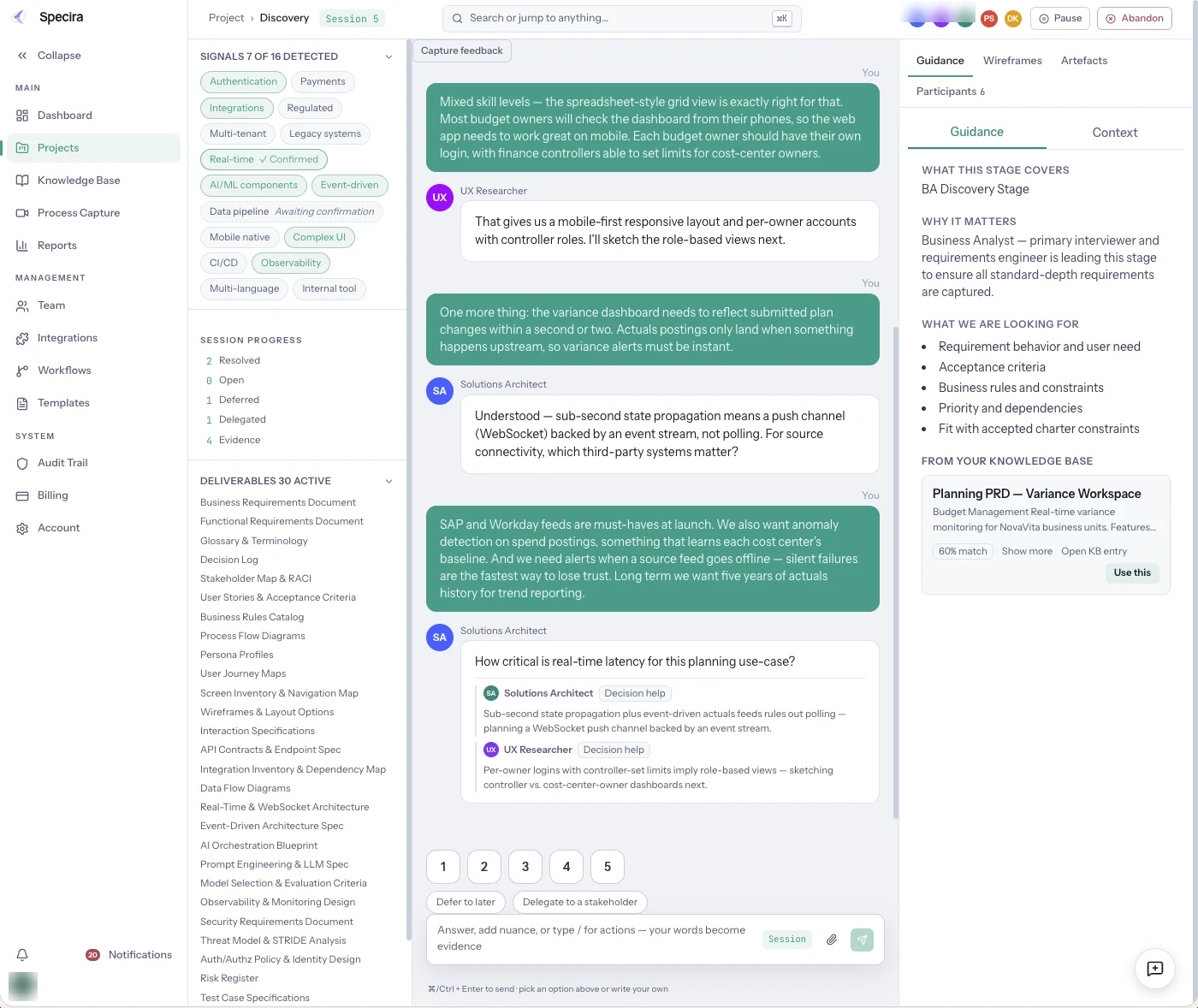
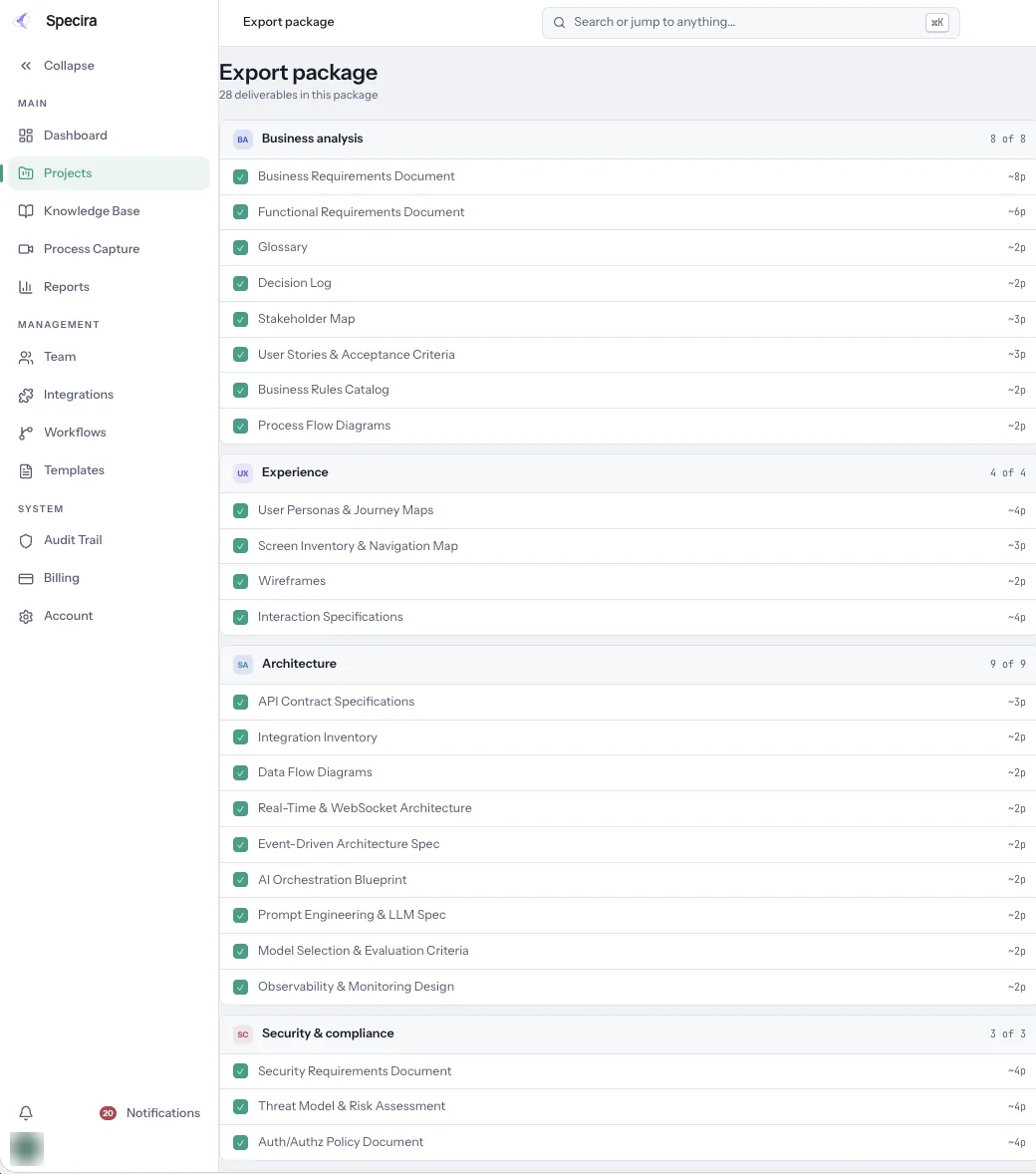
Screens are from a seeded Specira demo workspace; counts and scores are sample data.
Book a demo and see a discovery session produce an entity relationship diagram and field specifications your developers can migrate from.
Book a Demo