A red team report is the record of adversarial challenge against a design: the top findings, the eight review categories covered, severity ratings, the challenge questions asked and what they surfaced, resolution tracking, a risk heat map, root cause analysis and a remediation priority matrix. Read against the threat model, it lets a team decide which controls are proven, which predictions were wrong, and which fixes to fund first.
Without it, adversarial review lives in a meeting and a few Slack threads. A finding gets softened on the way to the slide, the challenge question that exposed the gap is lost, and three months later nobody remembers whether the control was exercised or merely present. Severity becomes an opinion, and remediation gets prioritized by whoever argues loudest.
What sections does a red team report contain?
Specira's governed default template produces eight sections: typed tables for findings, severity, resolution and remediation priority, a generated risk heat map, and synthesized prose for the category review, challenge questions and root causes.
| Section | Depth | How it is produced |
|---|---|---|
| Top Findings Summary | core | Table from typed items · ID, Category, Severity, Description |
| All 8 Categories Reviewed | standard | Prose synthesized from discovery |
| Severity Ratings | standard | Table from typed items · ID, Finding, Severity, Status |
| Challenge Questions | standard | Prose synthesized from discovery |
| Resolution Tracking | standard | Table from typed items · ID, Finding, Resolution, Status |
| Risk Heat Map | full | Generated diagram |
| Root Cause Analysis | full | Prose synthesized from discovery |
| Remediation Priority Matrix | full | Table from typed items · Finding, Priority, Effort, Impact |
How does Specira build the red team report?
The Red Team Critic owns this artefact, and it is the one agent that cannot skip a turn: it consults on every discovery exchange, flags findings in eight categories (contradiction, assumption risk, missing exception, abuse case, implementation blocker, compliance exposure, stakeholder conflict, evidence gap), guards the charter scope and runs the export readiness gate. The report compiles those typed findings. In the sample, section 0 (What This Document Is) explains in plain language why the report and the threat model are meant to disagree usefully. Section 1 (Findings) tells each finding as a narrative before any table: what was tried, what the system did, what it would have meant, and a disposition of refuted, confirmed or new path. The engagement scope and rules open that section so a reader knows what the results cannot claim.
The template's validators refuse a finding that is only an identifier and a verdict, and every named control must exist and be cited, never assumed. The category section covers only what a real engagement assessed; where a category was not reviewed, it renders as a named gap rather than invented reassurance. Each finding carries provenance: who raised it, when, on what evidence, with knowledge base citations and confidence scores. The export gate measures decisions resolved, so open resolutions ship listed in the gap report next to the DOCX, Markdown and JSON exports or the push to Jira, Confluence, GitHub or Linear.
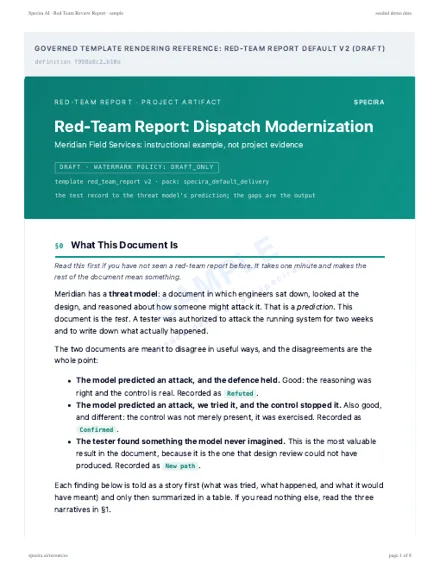
Rendered sample
Rendered from the Specira governed default template on a fictional company, watermarked, with its diagrams. Read it in the browser or take the PDF.
How do teams use the red team report?
- ✓Prove controls, not presenceA confirmed disposition means the control was exercised under attack, which is a stronger claim than a checkbox in the register.
- ✓Feed the threat model backA new path finding is a threat the model never imagined, so it reopens the model on a written trigger.
- ✓Order remediation by evidencePriority, effort and impact sit in one matrix, with root causes stated so the systemic fix gets funded, not only the symptom.
- ✓Keep the challenge questionsThe questions that surfaced a gap are stored with their answers, so the next review starts from them.
What does the red team report look like inside Specira?
These screens show the Red Team Critic's inline finding during discovery, its category and severity as typed items, and the compiled report with resolution tracking.
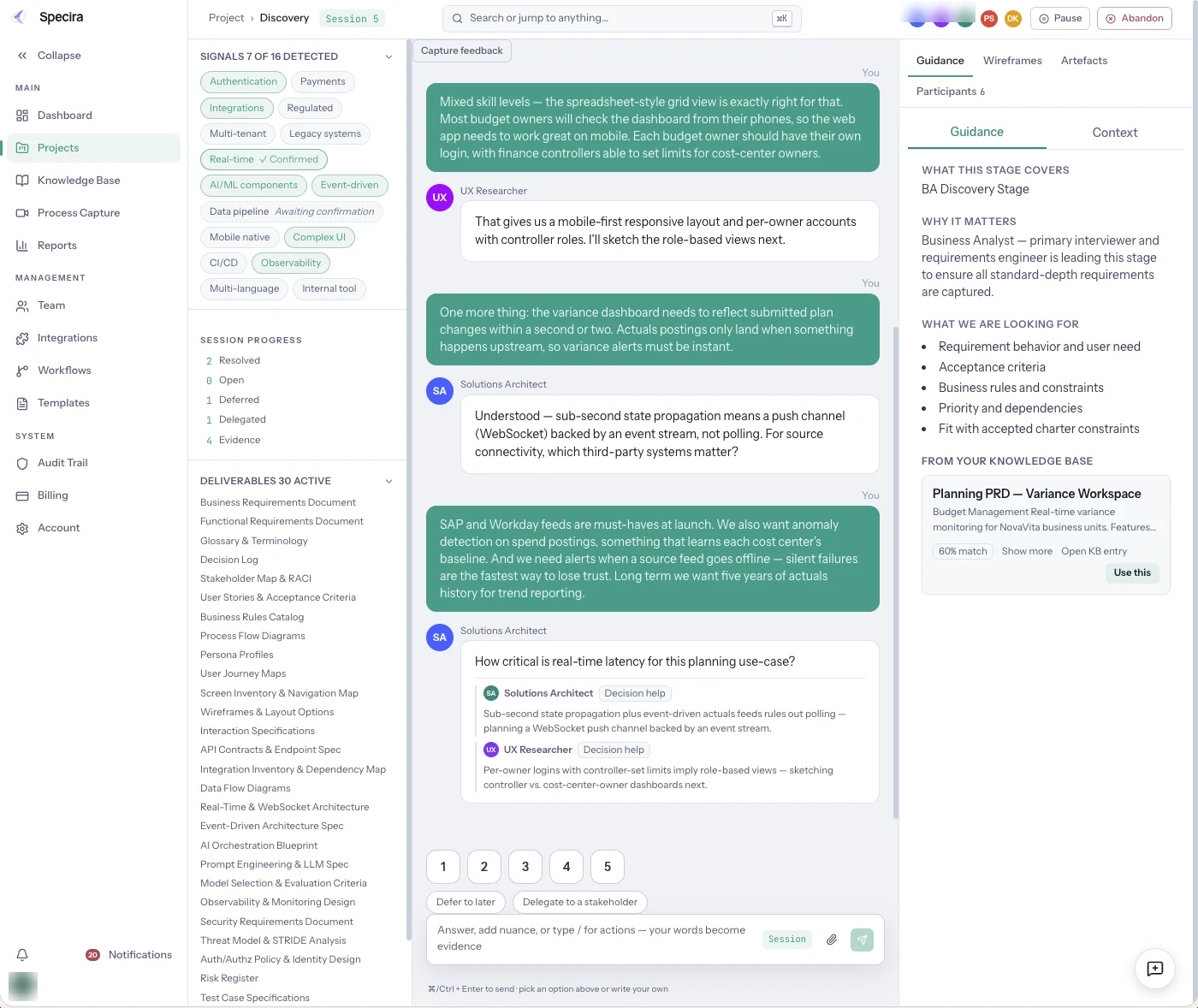
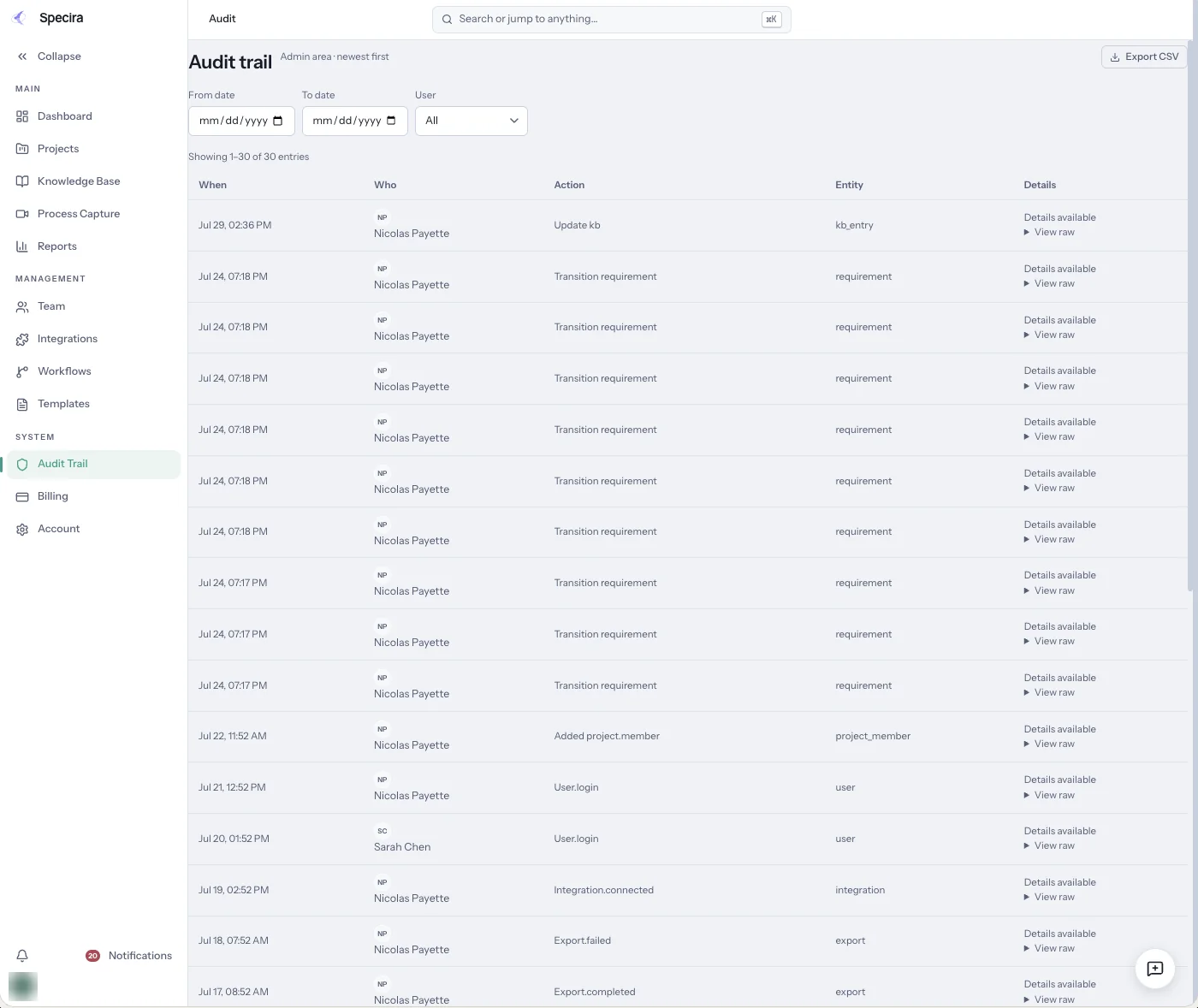
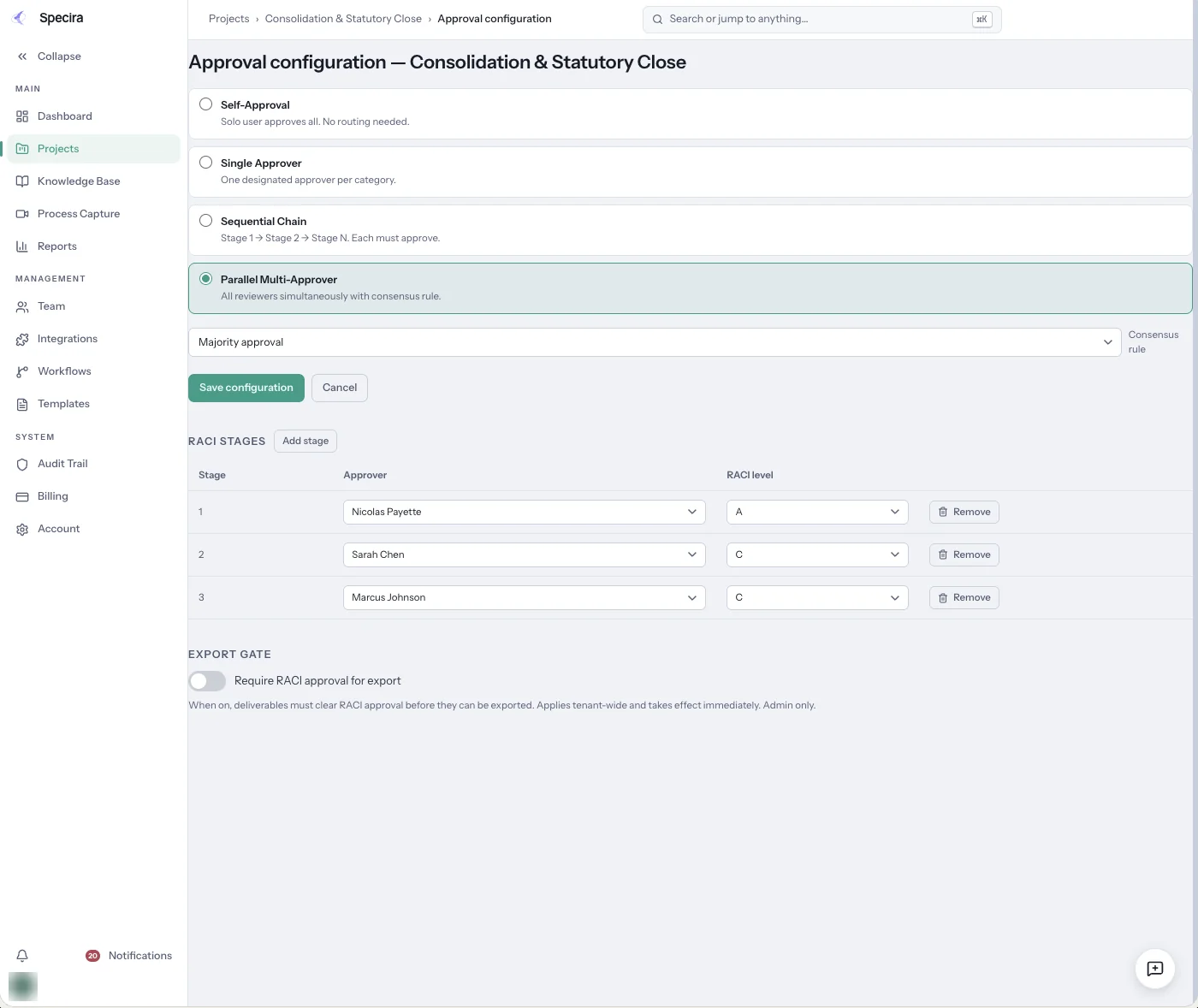
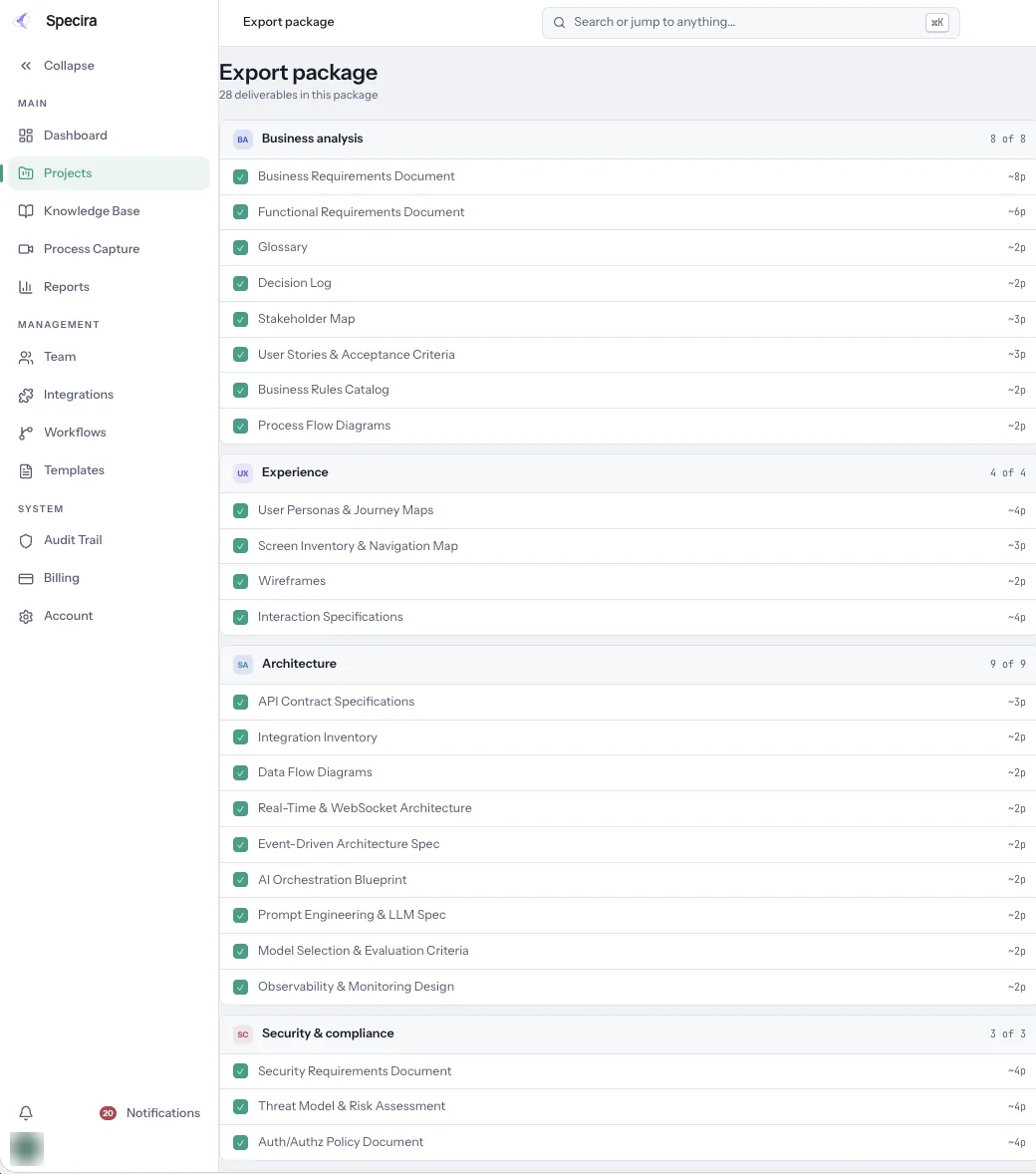
Screens are from a seeded Specira demo workspace; counts and scores are sample data.
Book a demo and watch the Red Team Critic challenge your requirements in eight categories before a line of code exists.
Book a Demo