A wireframe template specifies the key screens of a product at low fidelity: the regions on each screen, the content each region shows, where that content comes from, and how the screen behaves when it is empty, loading, failing or denied. It lets a team decide layout and interaction before anyone writes a line of interface code. Specira treats the content-slot table as canonical and generates the schematics from it, so the drawing and the specification cannot disagree.
Hand-drawn wireframes are boxes with lorem ipsum. Nobody states what fills the box, what happens when the name is too long, or which fields disappear for a read-only user, so developers guess and the review catches it in the demo. Worse, the drawing and the requirement live in different files. When the ranking rule changes, the wireframe still shows the old order and nobody notices until a tester does.
What sections does the wireframe template contain?
The governed default template fixes five sections. Three are rendered wireframes generated from the content-slot specs; two are prose synthesized from the discovery session.
| Section | Depth | How it is produced |
|---|---|---|
| Key Screen Wireframes | core | Rendered wireframe |
| Responsive Variants | standard | Rendered wireframe |
| Element Sizing & Grid | standard | Prose synthesized from discovery |
| State Variations | full | Rendered wireframe |
| Micro-Interaction Annotations | full | Prose synthesized from discovery |
How does Specira build the wireframes?
The UX Researcher agent owns this artefact and compiles it from the session's typed items: requirements name the screens and the rules each one carries, business rules feed the input specs, and constraints decide which viewports get offered. The sample shows how. In Key Screen Wireframes, the dispatch board's job-queue row is a content-slot table: each slot names its source field, its format and truncation rule, its emphasis tier and its empty-value behaviour, and the schematic is rendered from that table with the longest realistic name deliberately exercised. The state deltas block lists which regions change for empty, loading, error, permission-denied and degraded-feed states, each pointing at a pattern-library reference. Every callout carries one concern and one target, resolving to a functional requirement anchor or a data-model field.
The Red Team Critic consults on every turn and runs the export readiness gate. A screen whose arrangement decision is still open renders as a named gap, never as a plausible box. Each slot and callout carries provenance: who decided, when, on what evidence. Exports go out as DOCX for reviewers, Markdown or JSON for agents, or straight into Jira, Confluence, GitHub or Linear. Clone the template in the Templates module to change the breakpoint set or add a section; every publication is versioned and immutable.
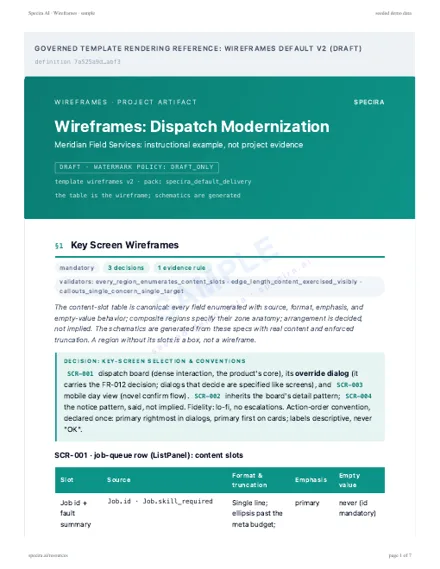
Rendered sample
Rendered from the Specira governed default template on a fictional company, watermarked, with its diagrams. Read it in the browser or take the PDF.
How do teams use the wireframe document?
- ✓Build the first screen rightFront-end developers read the slot table and know the source field, the truncation rule and the empty state before opening the editor.
- ✓Review layout against requirementsProduct owners check each callout against its functional requirement anchor instead of judging a picture on taste.
- ✓Plan the design-system workDesign-system owners see the component gaps filed as requests and schedule them ahead of the build.
- ✓Test the states, not the happy pathTesters derive cases from the state-delta block: empty queue, stale feed, denied permission, each with its expected region change.
What does the wireframe artefact look like in Specira?
The screens below show a wireframe section in the discovery session, the rendered board schematic with its callouts, and the export gate for this artefact.
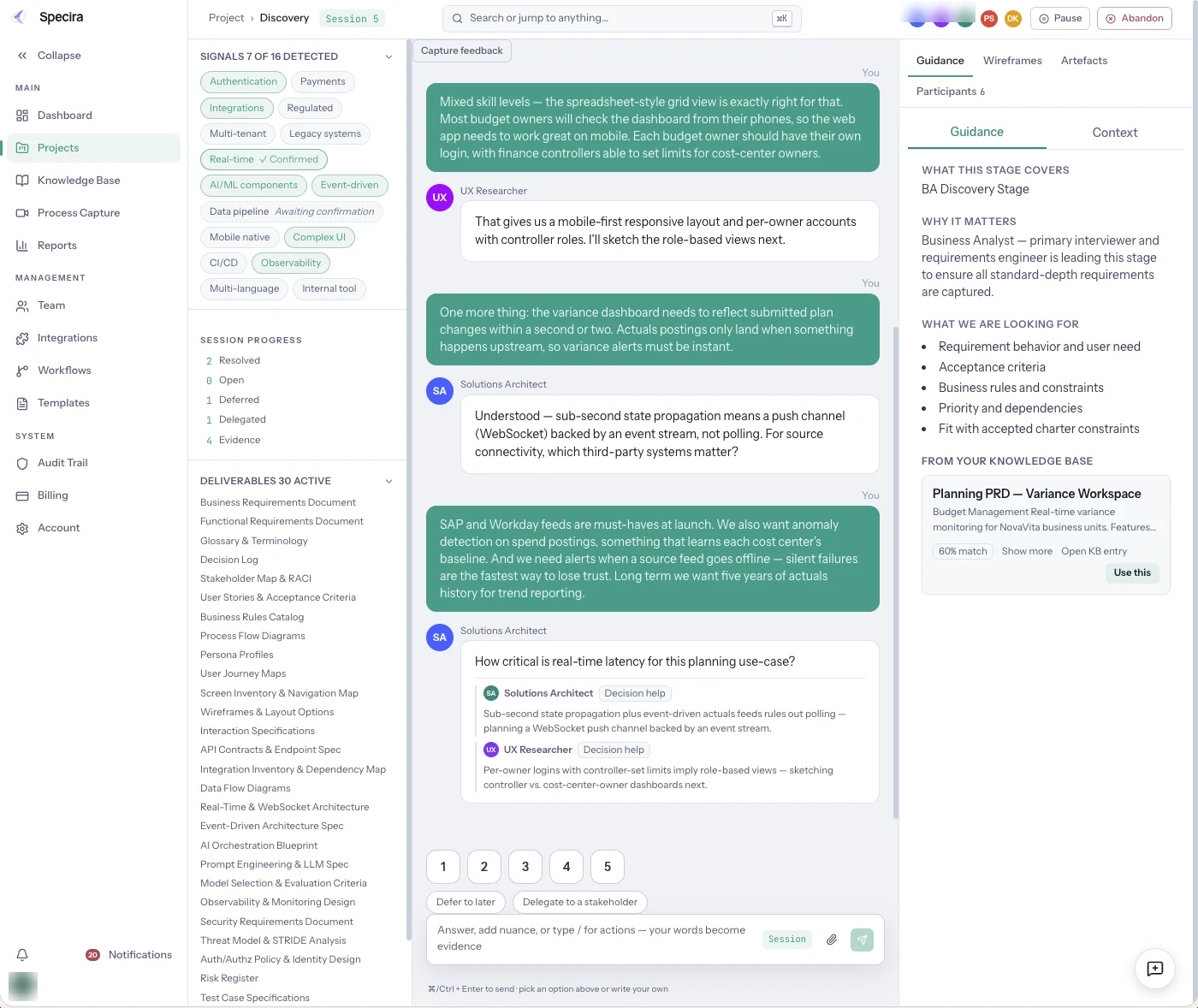
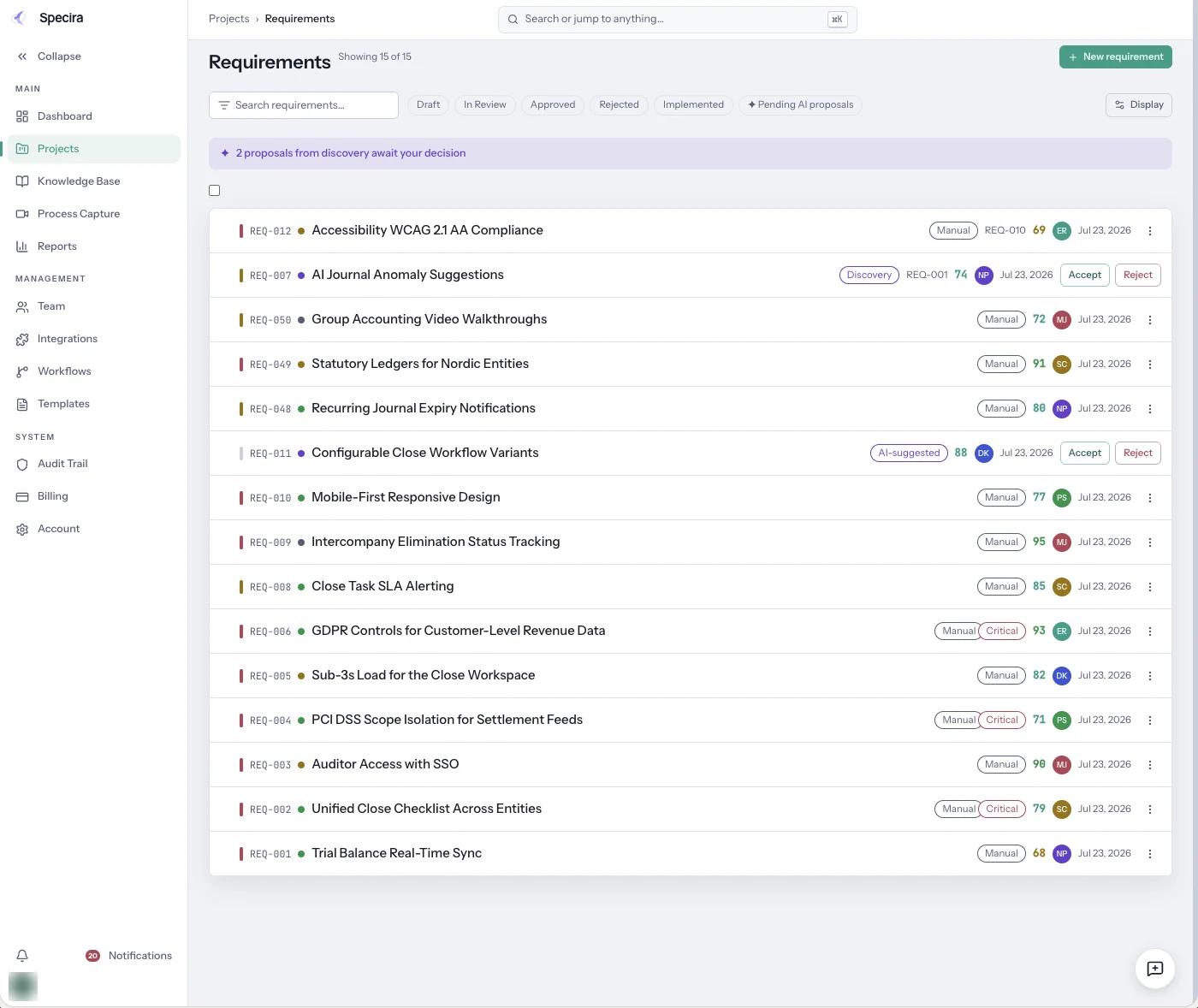
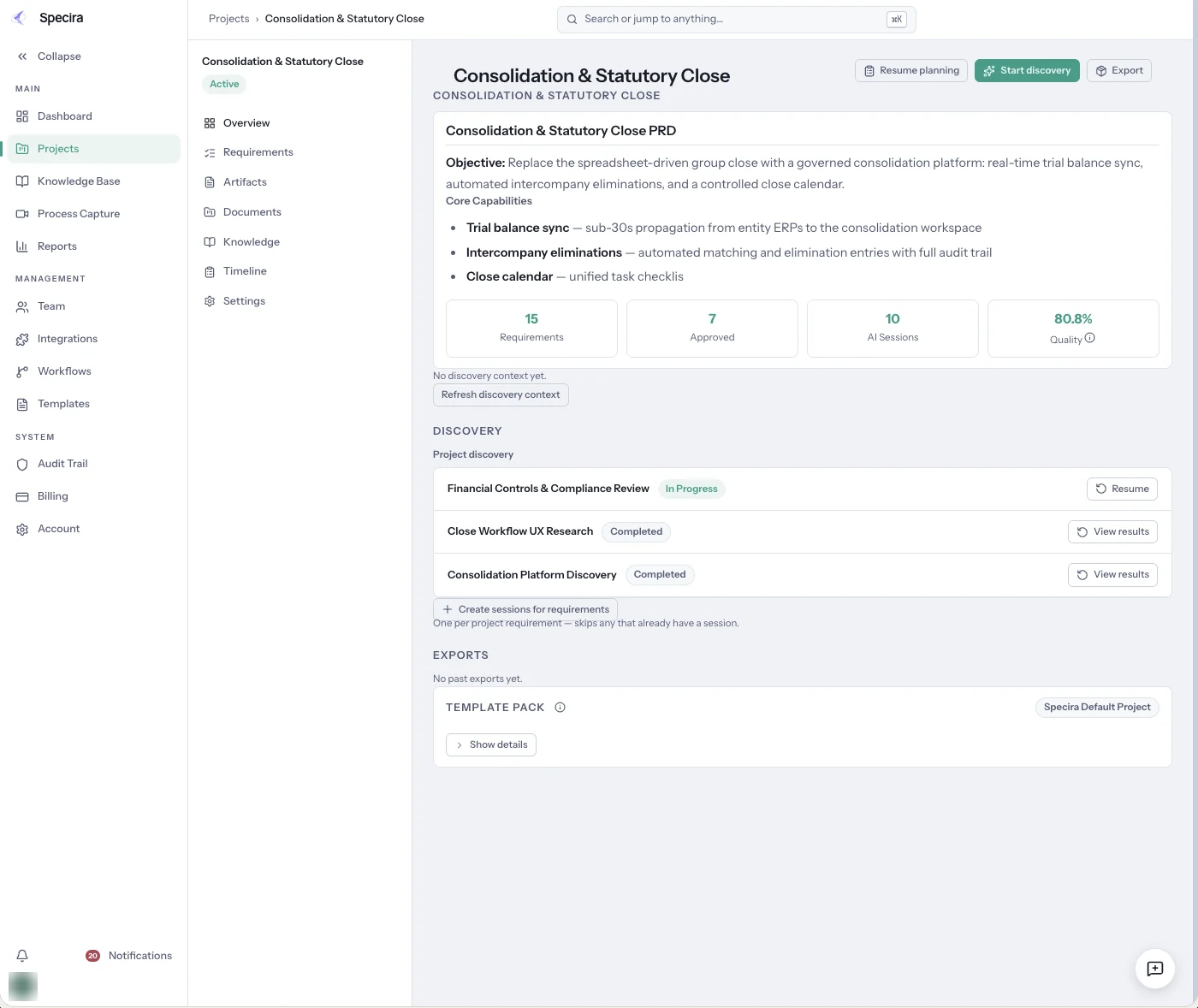
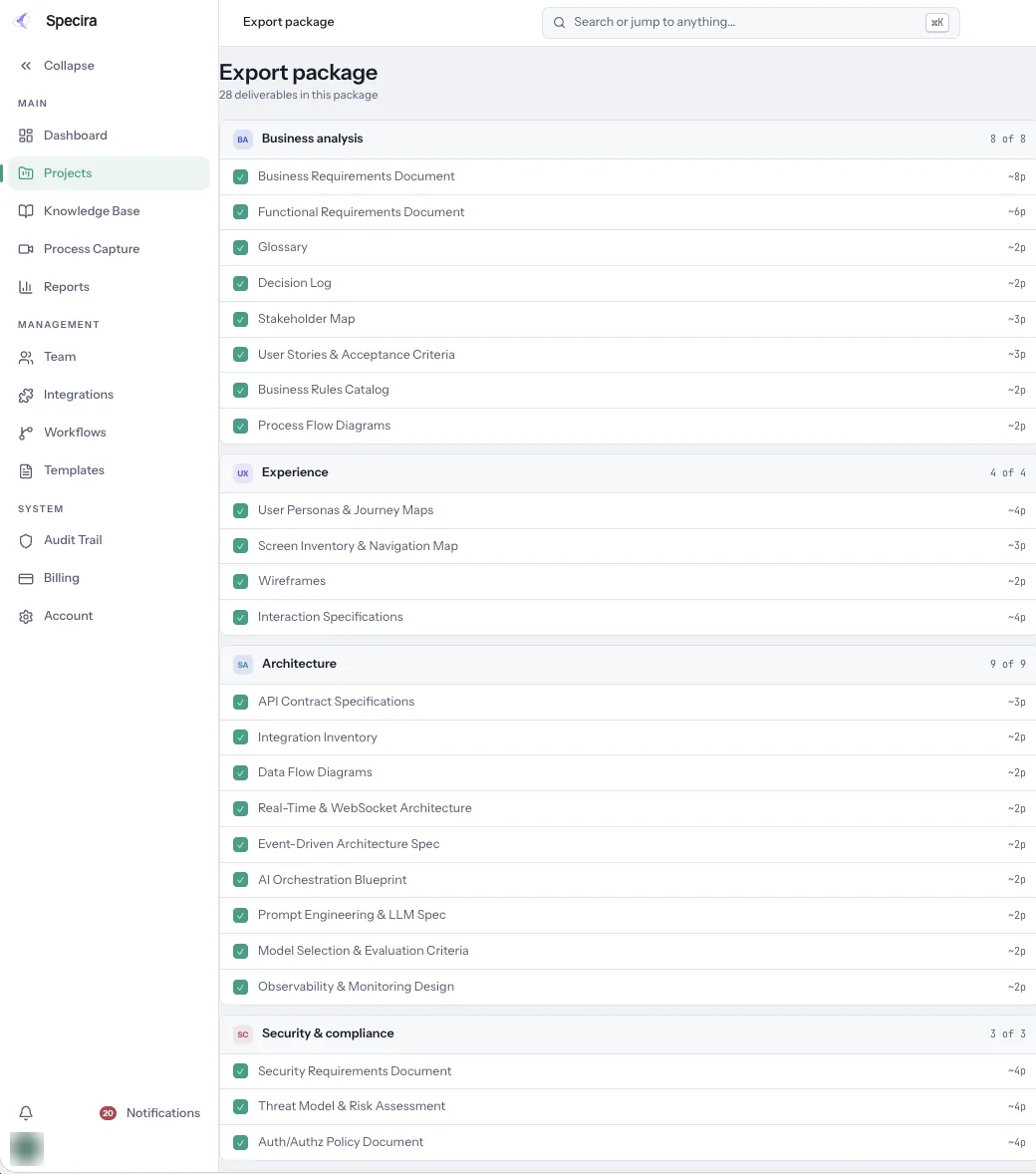
Screens are from a seeded Specira demo workspace; counts and scores are sample data.
Book a demo and see a discovery session render annotated wireframes your developers can build from.
Book a Demo